Short answer
4 steps- Turn the phone off and remove any screen protector that overlaps the slot.
- Brush along the slot with a clean, dry, soft-bristled brush.
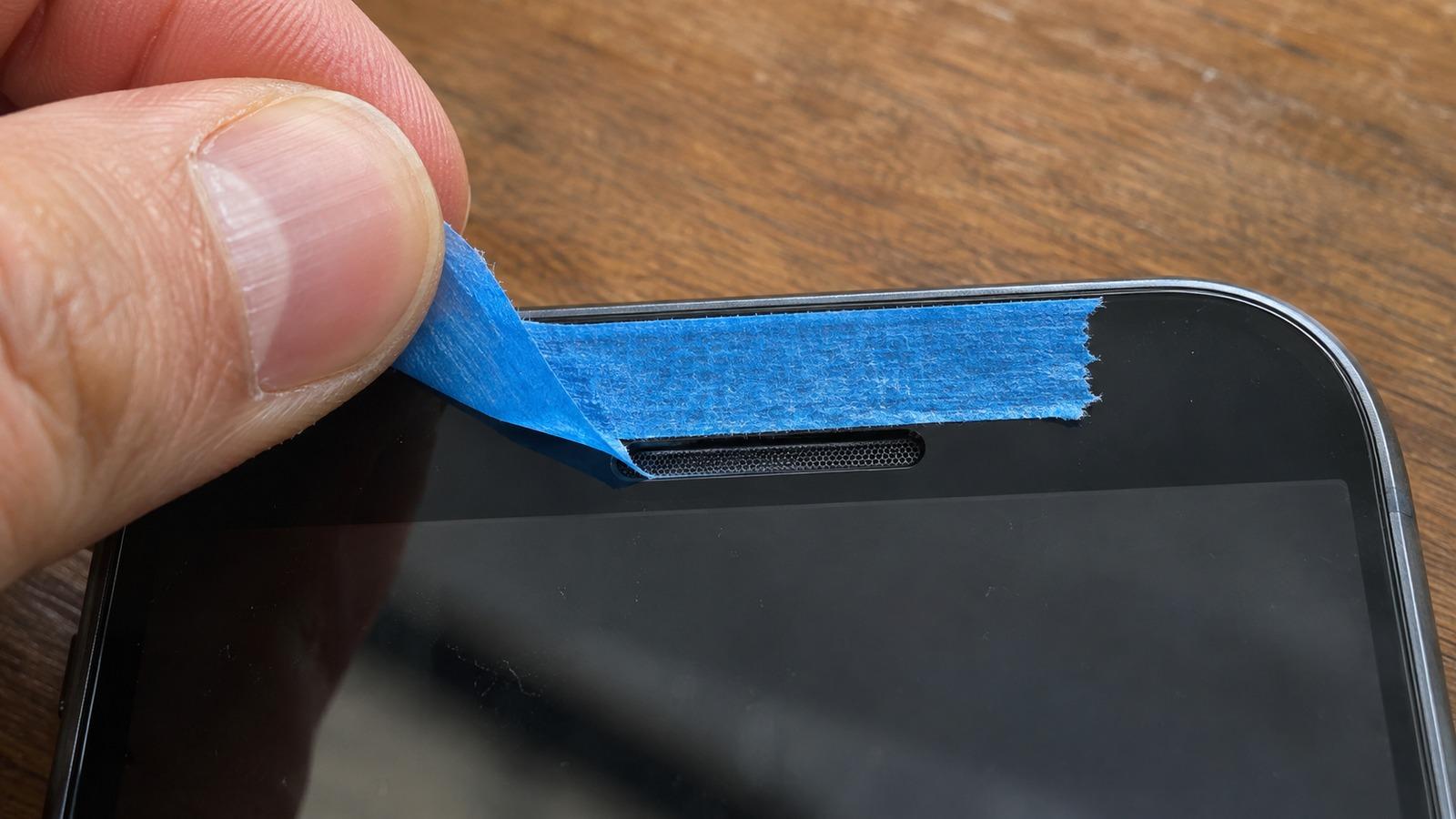
- Press painter's tape on the slot and peel it off to lift grime.
- Make a test call. If it's still muffled, check settings and the screen protector.
Why the earpiece gets dirty
Every call presses it against your skin, so it builds up oil and makeup on top of the pocket dust that also clogs the bottom speaker. The mesh is finer than the bottom grille, so grime sticks to it. On most phones the earpiece is also the second stereo speaker, so a blocked earpiece makes music and videos sound lopsided too.
Step by step
- Turn the phone off so you don’t trigger the screen.
- Look at it with a flashlight. A screen protector edge sitting over the slot is a very common cause of muffled calls. If it covers the mesh, replace it with one that has a proper cutout.
- Brush along the slot, not into it, with a dry soft brush. A new soft toothbrush works.
- Lift the rest with tape. Press a short strip of painter’s tape over the slot with your fingertip and peel it off. Repeat with fresh tape until it comes away clean.
- For oily grime, wipe the glass around the slot with a lint-free cloth very slightly dampened with 70% isopropyl alcohol. Keep the cloth on the glass; don’t wipe into the mesh.
Skip pins, needles and SIM tools. The mesh tears easily, and once it’s torn, dirt goes straight onto the speaker.
Test it
Call someone, or call your voicemail, and listen. Then play the left/right test with the phone in landscape. The earpiece plays one channel, so you can compare it directly against the bottom speaker.
Still muffled on calls?
- Raise the volume during a call. Call volume is separate from media volume.
- Try speakerphone. If that’s clear, the earpiece itself may be worn or damaged.
- If the phone has been wet, hold it earpiece-down and play the water eject tone to clear the slot.
- Try a different call or network. A poor connection sounds muffled too.
The phone speaker checklist covers the rest. For the bottom grille, see how to clean phone speakers.