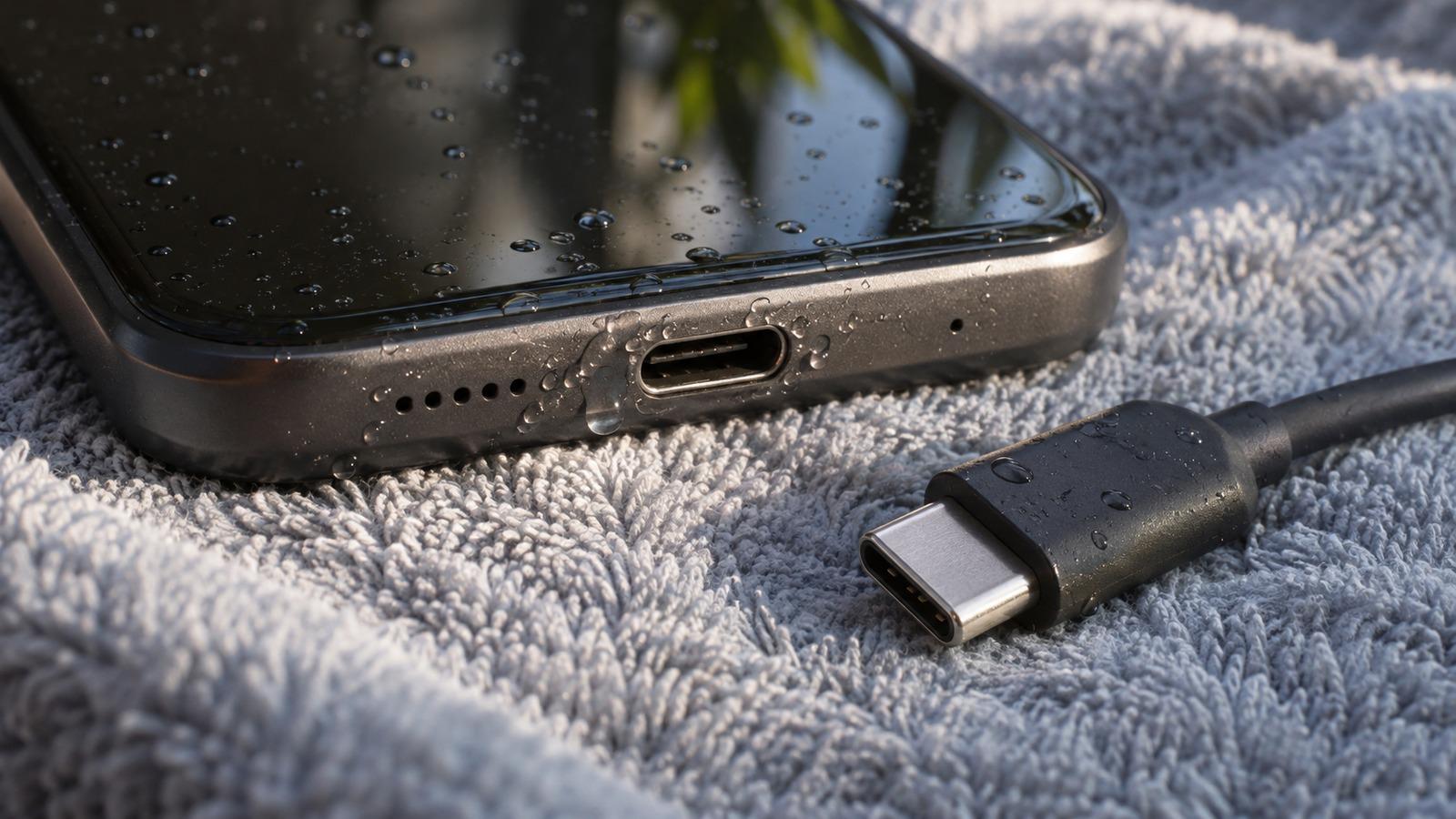
Short answer
4 steps- Unplug the cable and the charger right away.
- Hold the phone port-down and tap it gently against your palm.
- Leave it somewhere dry with airflow, port facing down, for at least 30 minutes.
- Plug in again. If the alert comes back, wait longer. Fully wet ports can take up to a day.
Why the phone blocks charging
When water bridges the contacts in a USB-C or Lightning port, current flows where it shouldn’t. That speeds up corrosion on the pins, and corroded pins are the usual reason a phone that survived a dunk stops charging weeks later. The alert is the phone protecting itself.
On iPhone XS, XR and later, you’ll see “Liquid Detected in Lightning Connector” or the USB-C equivalent. Samsung Galaxy phones show “Moisture has been detected” with a water-drop icon. Pixel and other Android phones use similar wording.
How to dry the port
- Unplug both ends. Water on the cable can keep triggering the sensor, so dry the plug as well.
- Tap, don’t poke. Hold the phone with the port facing down and tap it firmly against your hand a few times.
- Give it airflow. Stand the phone port-down in front of a fan or in a dry room. Room-temperature air is all you need.
- Try again after 30 minutes. Then keep checking every few hours. A port that went fully under can take up to 24 hours.
What not to do
- Nothing in the port while it’s wet. Cotton swabs and tissue leave fibers on the contacts, and anything metal can bend or short the pins.
- No hair dryer or compressed air. Heat stresses the battery and seals; compressed air drives water further in.
- No rice. Grains and starch dust end up inside the port. More on that here.
Can I override the warning?
iPhone offers an Emergency Override button on the alert. Use it only if you genuinely need the phone charged right now, because you’re charging with liquid on the pins and accepting the risk of corrosion. Samsung phones won’t charge over the cable until the warning clears. Apple’s liquid-detection article has the official steps for iPhone.
Many people top up on a wireless charging pad while the port dries, since that doesn’t use the port’s contacts. Wipe the back of the phone dry first, and check your manufacturer’s guidance for your model.
The alert keeps coming back, but the phone is dry
If you haven’t been near water and the warning keeps appearing, the cause is usually something in the port that holds moisture:
- Pocket lint packed at the back of the port. It soaks up sweat and humidity. With the phone off and dry, a wooden toothpick worked gently along the walls of the port, never against the pins, will lift it out. If you’re unsure, a repair shop can clean it in a minute.
- A damp or damaged cable. Try a different cable and charger.
- Corrosion. Green or white crust on the pins needs professional cleaning or a port replacement.
On Samsung phones, a restart sometimes clears a stuck warning once the port is really dry.
Don’t forget the speaker
If the port got wet, the speaker grille right next to it probably did too. While the port dries, run the water eject tone to clear droplets from the speaker, then follow the rest of the wet phone guide.