Short answer
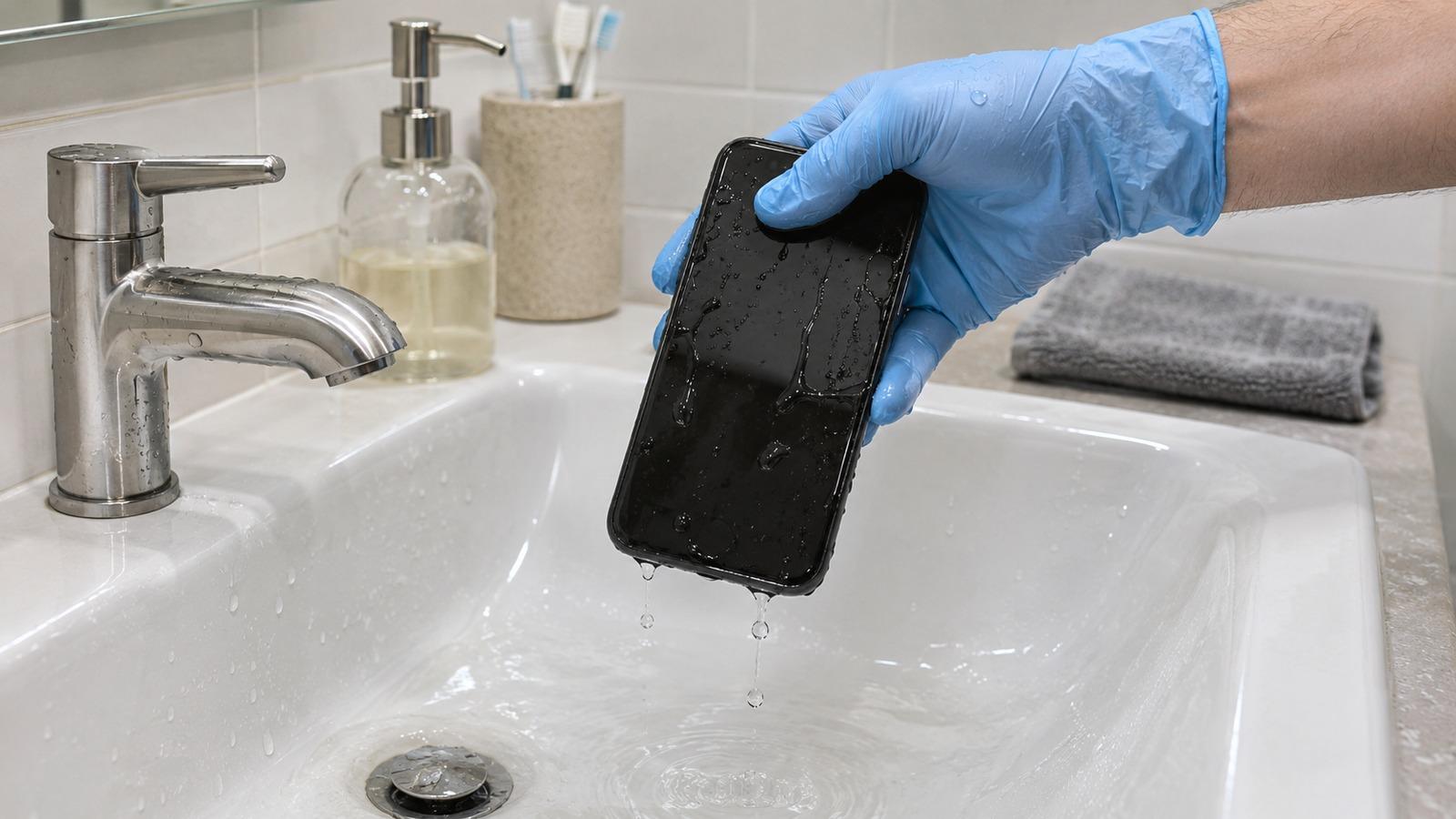
4 steps- Get it out straight away. Use a glove or a plastic bag over your hand if you like.
- Rinse it briefly under clean tap water, then dry the outside.
- Wipe the outside with a 70% isopropyl alcohol wipe, keeping it away from the openings.
- Shake water out of the ports, play a water eject tone, and let it air-dry before charging.
1. Get it out fast
Every second underwater lets more water work past the seals, so don’t hesitate. Grab it, glove or not; you can wash your hands afterwards. If the toilet had just been used, that’s fine too. The cleaning step below handles it.
If the screen is glitching or the phone gets warm, hold the power button and turn it off. If it seems normal, leave it on for now so you can run the speaker tone later.
2. Rinse with clean water
Toilet water carries cleaning chemicals and bacteria. A quick rinse, a few seconds under gently running tap water, washes those off before they dry onto the phone and into the ports. It sounds odd to put a wet phone under the tap, but the phone is already wet and clean water does far less harm than what it fell into.
Take the case off and rinse it separately. Silicone and plastic cases can go through soapy water; leather ones are hard to fully clean, so many people simply replace them.
3. Disinfect the outside
Dry the phone with a lint-free cloth. Then wipe the glass, frame and back with a 70% isopropyl alcohol wipe. Apple says this is safe for the hard outer surfaces of an iPhone; for other phones, check the maker’s cleaning guidance. Keep the wipe away from the speaker grille, charging port and microphone holes, and don’t spray anything directly onto the phone or soak it in alcohol.
4. Get water out of the openings
Hold the phone with the charging port facing down and tap it gently against your palm. Turn it so the earpiece faces down and repeat. Then use sound to push water out of the speaker grille:
Run it two or three times with the speaker pointing down. Wipe away the droplets that appear on the grille.
5. Dry it and wait to charge
Stand the phone upright near a fan, ports facing down, for several hours. Don’t use a hair dryer or a bag of rice (here’s why). Wait until the charging port is fully dry before plugging in, and if you see a liquid-detected warning, follow the charging port guide.
What to watch for over the next few days
- Muffled or crackly sound that doesn’t clear after drying. Run the speaker test.
- Fog inside the camera lens or blotches on the screen, which mean water got inside.
- A charging port that keeps reporting moisture once the phone is clearly dry, a sign of residue on the pins.
- Battery draining fast or the phone getting warm when idle.
Any of these means it’s worth a trip to a repair shop. Tell them it was toilet water so they clean the board properly if they open it. For everything else about wet phones, see the full guide on getting water out of your phone.