Short answer
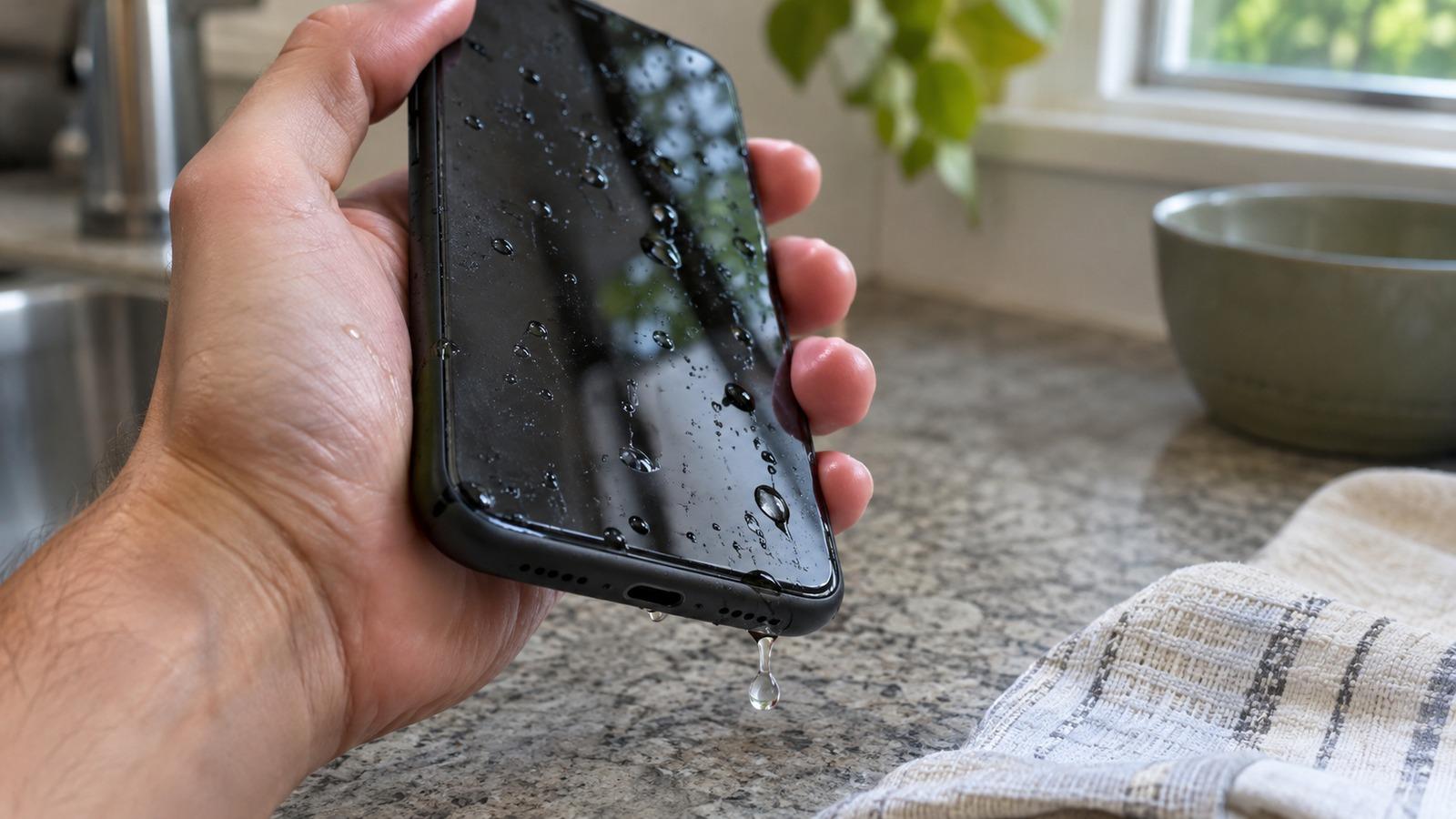
4 steps- Take the phone out of the water, turn it off if it's acting strangely, and take off the case.
- Wipe it dry and hold it speaker-down. Tap it gently against your palm to shake water out of the ports.
- Play a 165 Hz water eject tone to push droplets out of the speaker grille.
- Leave it in front of a fan or in a dry room for several hours. Don't charge it until the port is dry.
1. Get it out and stop the clock
Pull the phone out straight away. Water resistance ratings like IP67 and IP68 are measured in fresh, still water under lab conditions. They don’t cover pool chemicals, salt water, soapy water or seals that have worn down over a few years, so treat every dunk as a real exposure.
If the screen flickers, the phone gets warm, or it reboots by itself, power it off. If it seems normal, you can leave it on long enough to run the water eject tone below, then let it rest.
Salt water, chlorine or a sugary drink? Rinse the phone briefly under gently running tap water first. Residue left behind as it dries is what corrodes contacts, and a short rinse in fresh water is less harmful than leaving salt in the port.
2. Shake the water out of the openings
Take off the case and any screen protector that has water under its edge. Dry the outside with a lint-free cloth. Then hold the phone with the charging port facing down and tap it firmly against the palm of your hand a few times. Turn it so the earpiece points down and repeat.
Don’t put anything into the port or the speaker grille. Cotton swabs leave fibers behind, paper towel can tear off inside, and a pin can bend the charging contacts or tear the speaker mesh.
3. Play a water eject tone for the speaker
Water sitting in the speaker grille is why audio sounds muffled or crackly after a dunk. A low, steady tone makes the speaker cone move a long way back and forth, and that movement pushes air through the grille and carries droplets out with it. It’s the same idea as the built-in Water Lock feature on Apple Watch.
Lay the phone screen-up with the bottom edge tilted down so water can run out. Turn the volume up gradually, then run the tone two or three times. You’ll often see small droplets appear on the grille; wipe them off between rounds. There are dedicated pages for iPhone and Android that also cover the earpiece at the top of the phone.
4. Let the inside dry with moving air
The tone only reaches the speaker. Water that got past the seals takes time to evaporate, and the fastest safe way to do that is airflow at room temperature. Put the phone upright in front of a fan, or somewhere dry with the ports facing down.
- Skip the hair dryer, oven and microwave. Heat softens the adhesive that seals the screen and can damage the battery.
- Skip compressed air. It can push water deeper inside.
- Skip the bag of rice. It dries more slowly than open air and leaves starch and dust in the ports. Here’s why.
A light splash usually clears in an hour or two. A full drop into a sink, pool or toilet can need 24 hours or more before the port reads dry.
5. Wait before you charge
Charging with water in the port is how most liquid damage actually happens, because current across wet pins corrodes them. iPhones from the XS and XR onward, and many Android phones, warn you with a liquid or moisture alert when you plug in. Take that warning seriously. Our charging port guide covers how to clear it.
How do I get water out of my phone without sound?
If you can’t play audio, for example in a quiet place, gravity and airflow still work. Hold the phone speaker-down and tap it against your palm, then leave it near a fan with the speaker facing down. The vibration tool can also help on Android by shaking the phone itself. It just takes longer than the tone because nothing is pushing air through the grille.
Water under the screen or in the camera
Fog inside the camera lens or a dark patch under the display means water got past the seals. That’s past what a tone or a fan can fix reliably. Keep the phone off and take it to a repair shop or the manufacturer soon, because corrosion keeps working on the board while the phone sits.
How to tell it’s fully dry
- The charger connects without a liquid or moisture alert.
- Voices and music sound as clear as before. Run the speaker test and listen for buzzing on the rising sweep.
- The microphone works on a voice memo, and both cameras are clear.
If the speaker is still muffled after the phone has dried overnight, something else is wrong. Work through the iPhone or Android speaker guide next.