Short answer
4 steps- Disconnect Bluetooth so the phone isn't using earbuds as the mic.
- Record a voice memo, then a front-camera and a rear-camera video, and play them back.
- Check the app has microphone permission.
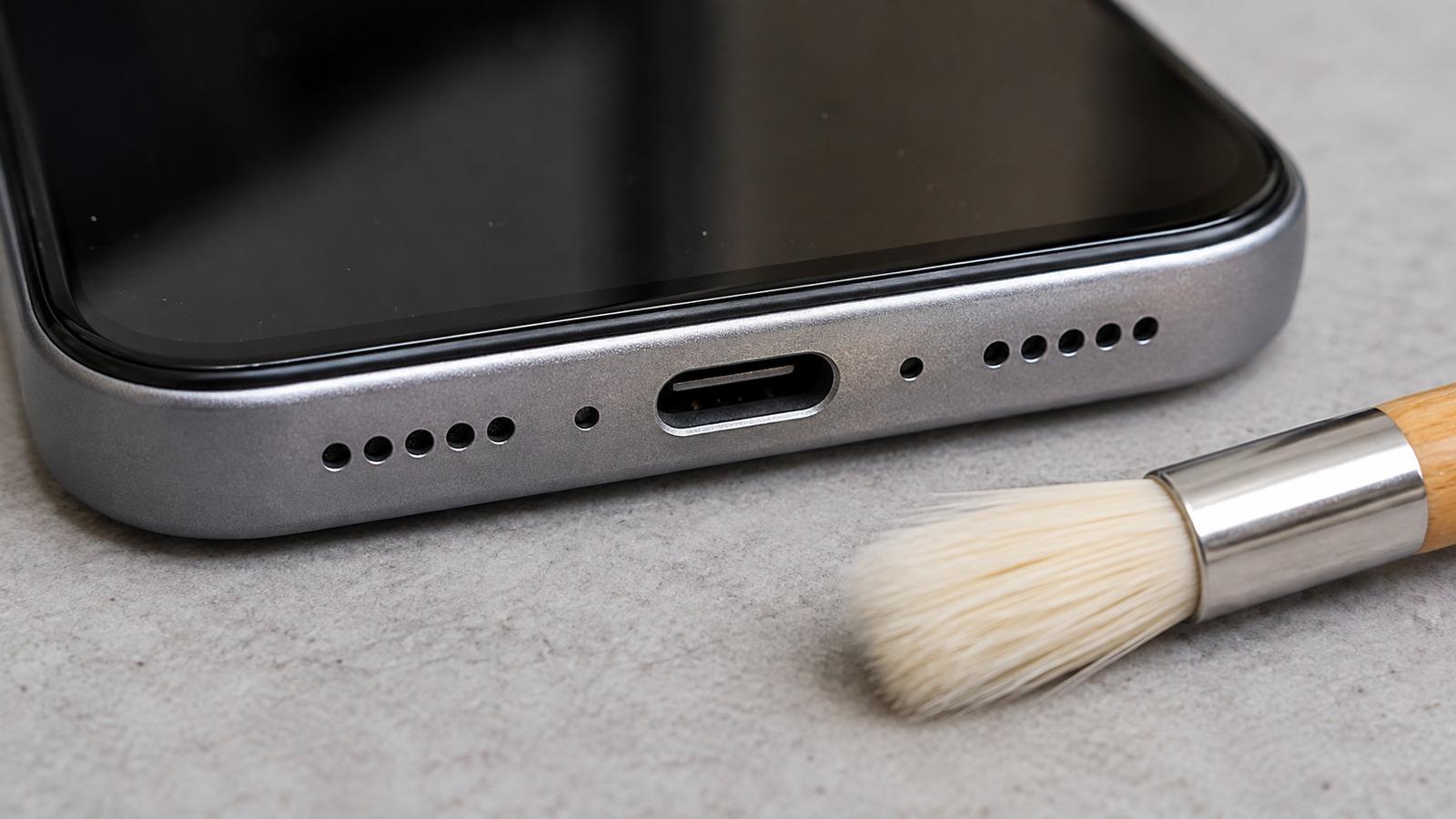
- Remove the case and clean the mic holes with a dry soft brush.
Where your phone’s microphones are
Most phones have at least three: one on the bottom edge for calls and voice recordings, one near the earpiece or top edge used for noise cancelling and speakerphone, and one by the rear camera for video. A small pinhole on the frame or back usually marks each one.
1. Rule out Bluetooth
If earbuds, a smartwatch or a car is connected, calls may be using its microphone instead. Turn Bluetooth off and call again.
2. Test each microphone
- Bottom mic: record a short clip in Voice Memos (iPhone) or the Recorder or Voice Recorder app (Android) and play it back.
- Front mic: record a video with the front camera.
- Rear mic: record a video with the rear camera.
Play each one back through the speaker. If one sounds muffled or silent while the others are clear, that mic is blocked or faulty. If all three are fine, the problem is the app, the network or a setting.
3. Check permissions and privacy toggles
iPhone: go to Settings > Privacy & Security > Microphone and turn the switch on for the app you’re using.
Android: on Android 12 and later, swipe down to Quick Settings and check the Microphone access tile isn’t turned off. Then go to Settings > Apps, pick the app and allow the microphone under Permissions.
4. Clean the mic holes
Take off the case first; some cases cover the bottom or top mic. Mic holes are tiny and easily clogged with lint or makeup. Brush them gently with a clean, dry, soft-bristled brush. Don’t push a pin or SIM tool in, because the mic membrane sits just behind the hole and tears easily. A screen protector edge can also cover the top mic.
5. Muffled after getting wet?
Water in a mic port makes your voice sound distant or bubbly. Let the phone dry with the bottom edge facing down; it usually clears within a few hours. The wet phone guide covers the full drying routine.
6. If only calls are affected
- Try speakerphone. It often uses a different mic, so if it works, the bottom mic is the suspect.
- On iPhone, try toggling Voice Isolation or Standard mode in Control Center during a call.
- Try a call over Wi-Fi or a different app. A poor signal can make you sound broken up even with a working mic.
When it’s hardware
If one microphone stays silent or muffled after cleaning, drying and a restart, it needs repair. Microphones on most phones are part of the charging port assembly or a small module, and replacement is routine at the manufacturer or a repair shop.