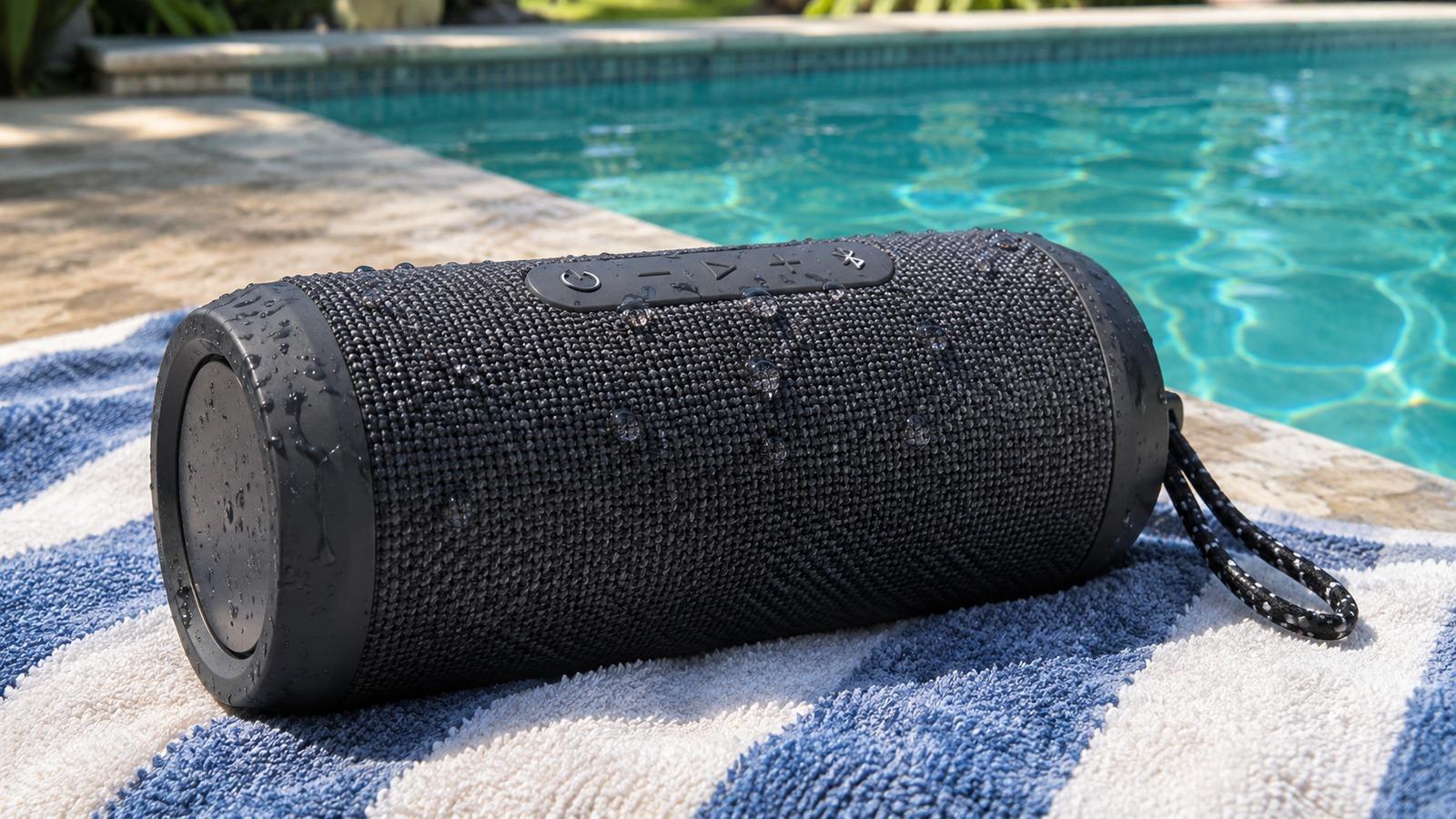
Short answer
4 steps- Turn the speaker off and unplug it. Close or check the port cover.
- Hold it with the grille facing down and shake it gently to drain the driver.
- If it's rated IP67, play bass-heavy audio at moderate volume to push water out.
- Let it dry in open air, port side down, before charging.
Check the water rating first
Look for an IP rating on the box, in the manual or on the maker’s product page. The second digit is what matters for water:
- IPX7 or IP67: survives being submerged in fresh water, around 1 meter for 30 minutes. Many current JBL, Ultimate Ears, Bose and Sony portable speakers carry this rating.
- IPX4 or IPX5: handles splashes and rain, not a dunk. Dry it carefully and leave it off longer.
- No rating: treat any soaking as serious. Leave it off and dry it for a full day or more.
The rating applies to fresh water. Pool chlorine and sea salt aren’t covered, and the seals get less effective with age and drops.
Drain the driver
Turn the speaker off. Hold it so the main grille faces the floor and shake it gently, then turn it on each side. Passive radiators, the rubber panels on the ends of many speakers, trap water too, so drain those faces as well. Dry the outside with a towel.
Rinse off pool or sea water
If it was chlorine or salt water and your speaker is rated IP67, rinse it under gentle running tap water for a few seconds with the port cover closed. Salt crystals left to dry inside the grille and on the charging contacts cause corrosion and a lasting buzz. A short fresh-water rinse is the usual advice for waterproof speakers after the pool or beach; check your manual to confirm it for your model.
Use bass to shake out the rest
Once a waterproof speaker has drained, turn it on and play something with steady low bass at moderate volume, grille facing down. The driver moves the most at low frequencies and pushes trapped water out through the grille. The bass test works well for this: hold a tone around 100 to 150 Hz for 20 to 30 seconds and repeat.
Don’t do this with a speaker that isn’t water-rated and got soaked. Leave it off until it’s dry.
Dry the charging port before charging
The port is the weak point. Many speakers have a rubber flap or a sealed port, but water still sits in the opening. Leave the speaker port-side down in a dry, airy spot for several hours, or a full day for unrated speakers. Don’t charge it until the port is completely dry. Skip the hair dryer; heat warps the seals and stresses the battery.
Still sounds muffled or buzzy?
Give it another day of drying, then play a sweep test. A buzz or rattle at the same pitch every time can mean salt or sand on the driver, or a damaged cone. If the speaker won’t turn on or charge after it’s fully dry, contact the manufacturer; water damage may be covered for rated models used within their limits. For other faults, see Bluetooth speaker not working.