Short answer
4 steps- Take the AirPods out of the water and out of the case.
- Wipe them and the case with a dry, lint-free cloth. Shake out the speaker mesh gently.
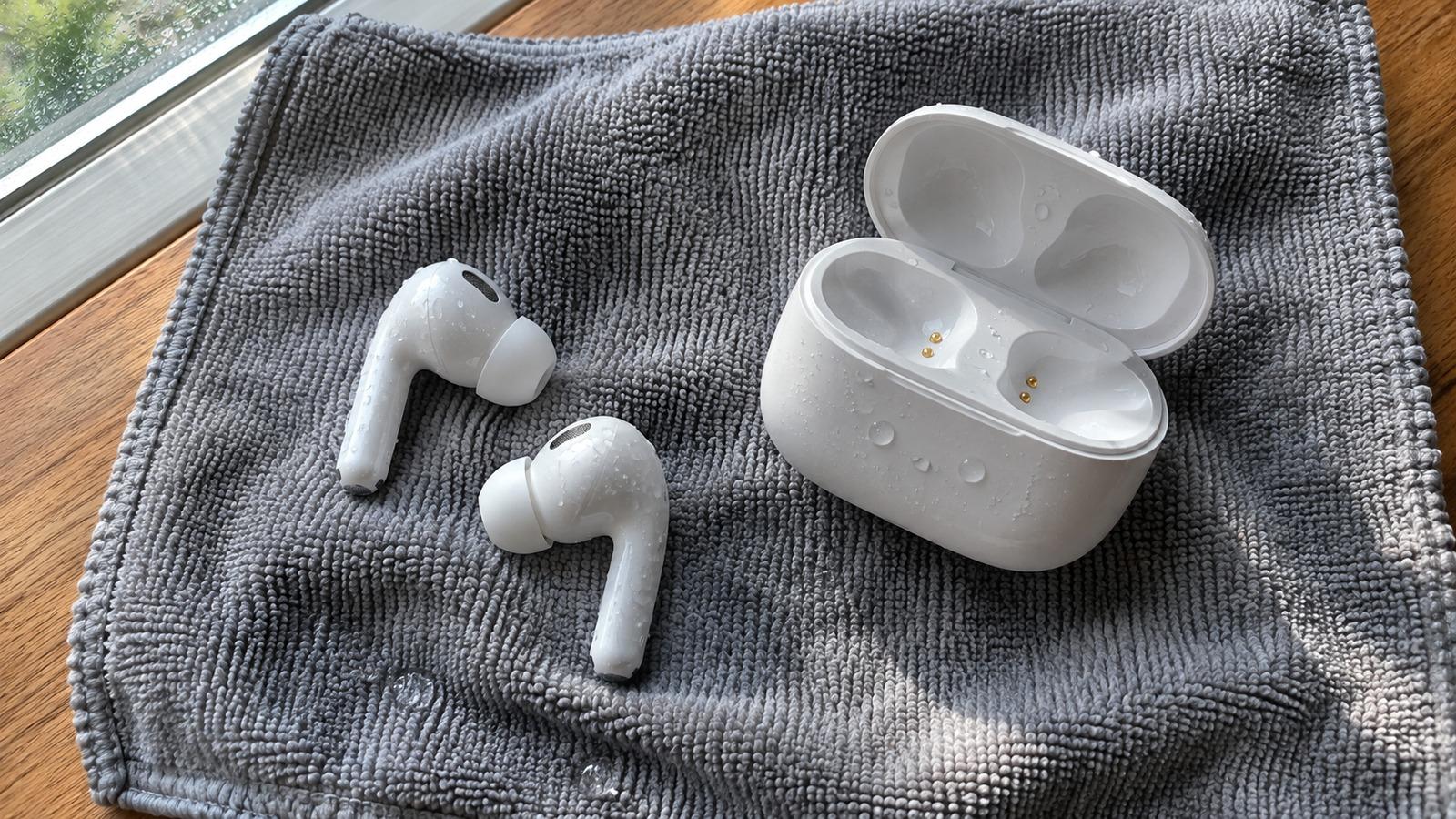
- Leave everything to air-dry, case lid open, for at least a day.
- Don't put wet AirPods in the case or charge the case until both are completely dry.
How water resistant are AirPods?
It depends on the model. AirPods (3rd generation), AirPods Pro and AirPods Pro 2 are rated IPX4, which means they resist sweat and splashes. AirPods 4 are rated IP54. The first- and second-generation AirPods have no rating at all. No AirPods are designed to go underwater, and no charging case is waterproof, so a full dunk always needs drying.
Not sure which you have? Open the case near your iPhone, or go to Settings > Bluetooth and tap the info button next to your AirPods.
Dry the case first
The case holds a battery and charging contacts, and those are what get damaged when wet. Take the AirPods out, open the lid, and turn the case upside down so water drains from the charging port and earbud wells. Wipe it with a lint-free cloth. Leave it open, upside down, somewhere with good airflow.
Don’t plug the case in, and don’t put it on a wireless charger, until it’s completely dry. That usually means at least a day after a full soak.
Dry the earbuds
- Wipe each AirPod with a dry, lint-free cloth.
- Hold each one with the speaker mesh facing down and tap it lightly against your palm to shake water out.
- On AirPods Pro, pull off the ear tips, rinse them under fresh water if they were in anything other than water, and let them dry separately.
- Leave the earbuds out of the case on a dry cloth, mesh facing down, for at least a day.
Skip the hair dryer, the radiator and compressed air. Heat can damage the small batteries, and compressed air pushes water past the mesh. Skip rice as well; the dust sticks to the mesh. More on rice here.
Washing machine or the dryer?
AirPods that went through a full wash and dry cycle have had detergent, heat and a long soak. Dry them the same way and give them extra time. They do sometimes work afterwards, but expect weaker battery life or reduced volume, and check the warranty status before paying for a replacement.
How to test them once they’re dry
- Put them in the dry case, charge it and check that both AirPods show a battery level on your iPhone.
- Play the left/right sound test. Each side should be clear and equally loud.
- Play the speaker sweep at moderate volume and listen for crackle. A fizz or crackle means water is still in the mesh, so leave them to dry longer.
- Make a short call to check the microphones.
If one side is quieter than the other afterwards, see one AirPod quieter than the other.
When to get them replaced
If an AirPod won’t connect, won’t charge, or crackles after several days of drying, the water has damaged it. Apple sells single replacement AirPods and replacement cases, so you rarely need to buy a whole new set.