Short answer
4 steps- Wipe the outside with a dry, lint-free cloth.
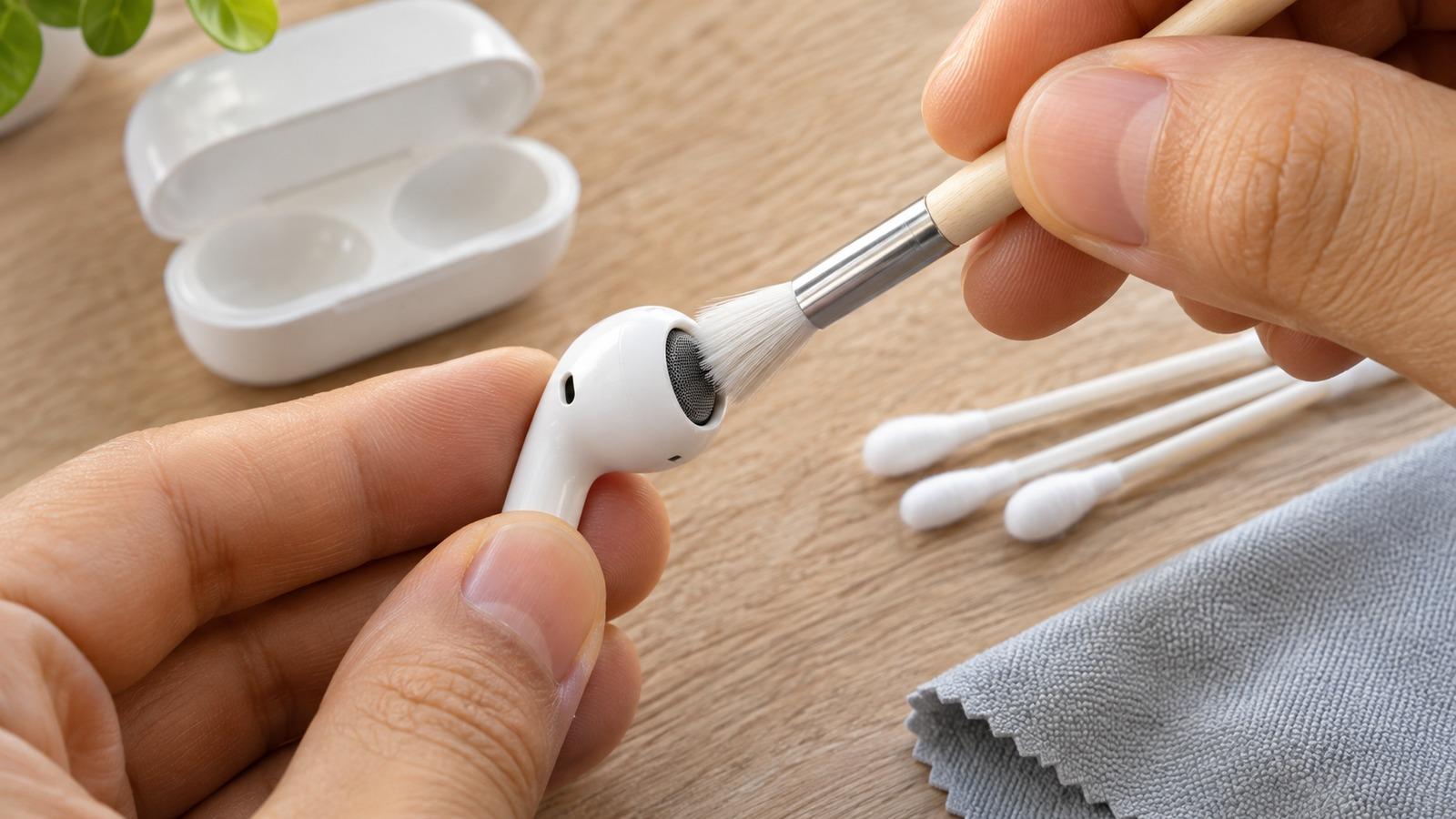
- Brush the speaker and microphone mesh with a clean, dry, soft-bristled brush.
- Lift loosened wax with a dry cotton swab.
- Clean the case with a cloth and a soft brush. Keep everything dry.
What you need
- A lint-free cloth, such as a microfiber or glasses cloth.
- A clean, dry, soft-bristled brush. A new soft toothbrush or a small makeup brush works.
- Dry cotton swabs.
- Optional: putty such as Blu Tack for stubborn wax.
Clean the earbuds
- Wipe the outside with the dry cloth. For grime, slightly dampen the cloth with fresh water, wring it out well, and dry the AirPod immediately.
- Brush the speaker mesh. Hold the AirPod with the mesh facing down so loosened wax falls away from it. Use light strokes.
- Lift residue with a dry cotton swab. Roll it across the mesh rather than pushing it in.
- For stubborn wax, press a small piece of putty against the mesh and lift it away. Repeat with a clean piece until nothing comes off.
- Clean the microphone mesh on the stem the same way. Blocked mics make you sound muffled on calls.
AirPods Pro ear tips
Pull the ear tips straight off. Rinse them under fresh water, without soap, and dry them fully with a cloth before putting them back. They should click into place. Wax collects inside the tip and on the mesh beneath it, so check both.
Clean the charging case
Wipe the outside with a lint-free cloth. Brush out the earbud wells and the charging port with the dry brush; lint in the wells can stop an AirPod charging. Don’t put anything metal in the port or touch the contacts in the wells with anything sharp.
What not to do
- No sharp objects, needles or toothpicks in the mesh.
- No running water, soap or liquid cleaner on the earbuds or the case.
- No compressed air, which can push wax through the mesh.
If they’ve already been through the wash, see AirPods fell in water.
Check the result
Put them back in your ears and play the left/right test. Both sides should be equally loud. If one side is still quieter, follow one AirPod quieter than the other. Cleaning every few weeks keeps wax from building up to that point.