Short answer
4 steps- Play a left/right test to confirm which side is silent.
- Check the balance slider and Mono audio in your device's settings.
- Wired: push the plug fully in, clean the jack and try another device.
- Wireless: charge both buds, then reset and re-pair them.
1. Confirm with a test signal
Some songs put instruments mostly on one side, so music can fool you. The left/right sound test plays a tone on each side in turn. Swap the headphones around on your head too: if the silent side moves with the headphones, they’re the problem; if it stays with the same ear, it could be your hearing or something in that ear.
2. Check balance and mono settings
- iPhone: Settings > Accessibility > Audio & Visual. Center the Balance slider.
- Android: Settings > Accessibility, then Audio adjustment or Hearing enhancements, depending on the brand. Center the balance slider.
- Windows: Settings > System > Sound, select the headphones, and check that the Left and Right channel volumes match.
- Mac: System Settings > Sound > Output, and center the Balance slider.
If Mono audio is on, both sides play the same mix. That’s fine for a test but can hide a channel problem, so turn it off while you check.
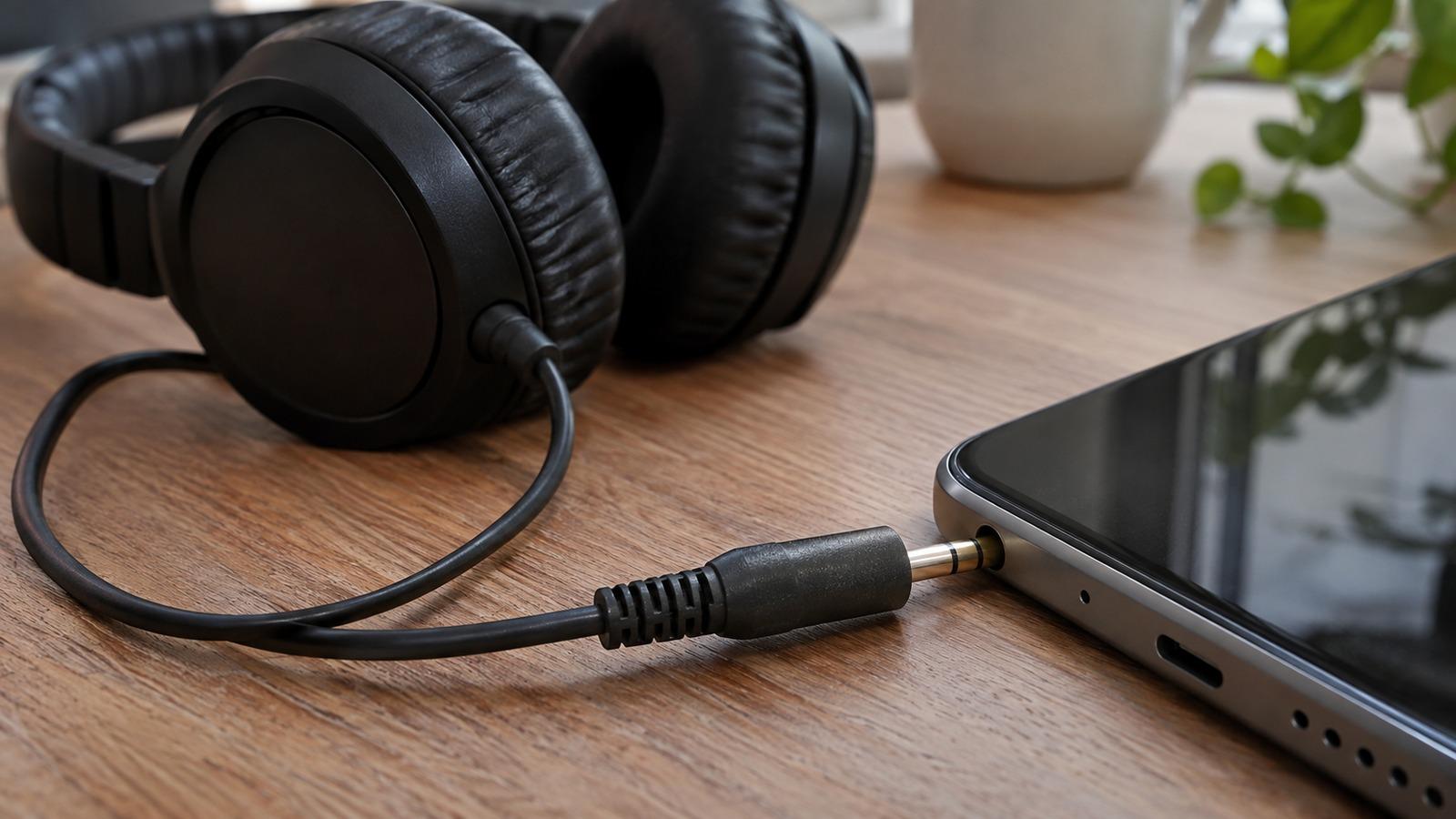
3. Wired headphones
- Push the plug in all the way. A plug that’s halfway in, often because of a thick case, plays one channel. Try without the case.
- Clean the jack. Lint in a headphone jack stops the plug seating fully. Shine a light in, and lift lint out with a wooden toothpick, gently and with the device off.
- Wiggle the cable. With audio playing, bend the cable gently near the plug and near each earcup. If the sound cuts in and out, a wire has broken at that point.
- Try another device. If the same side is dead on every device, the headphones are faulty. If it works elsewhere, the jack or adapter on the first device is the problem.
4. Wireless earbuds and headphones
- Put both earbuds in the case and make sure the case is charged. One bud often drains or stops charging because of dirt on its contacts. Wipe the contacts with a dry cloth.
- Forget the device in Bluetooth settings, reset it using the maker’s steps, and pair again. For AirPods, see one AirPod quieter than the other.
- Check the speaker mesh of the silent bud. Earwax can block it almost completely. See how to clean AirPods; the same method works for most earbuds.
When to replace them
If the left/right test still shows a dead side after cleaning, resetting and testing on another device, the driver or the wiring inside has failed. For wired headphones with a detachable cable, try a new cable first since that’s the usual failure. Many wireless brands sell single replacement earbuds.